


A Formal Invitation to the Renaissance Dinner Party
in Mrs. McClelland's 8th Social Studies Classroom
 In past years, Mrs. McClelland's students were asked to culminate and apply the information and knowledge they had learned about leading Renaissance figures by writing an essay. The essay had to describe the seating arrangement and conversations occurring between each figure if they were to attend a Renaissance feast. Therefore, students were to consider each guests' language, personality, training, and achievements so that everyone has something to talk about with nearby guests at the table. This type of assignment proved to be a challenging task both for students in fully integrating each factor into a written explanation but also, for the teacher in grading each essay.
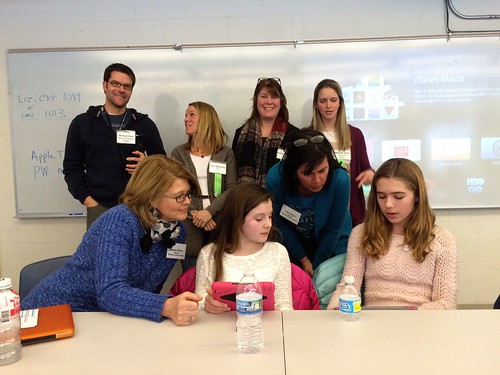
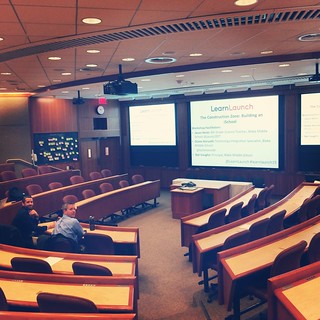
This year was different! The timing for our professional development iPad workshop with Greg Kulowiec of EdtechTeacher could not have been better. The workshop introduced the SAMR model and pushed our thinking to redefine a particular curriculum unit or lesson with technology to create new tasks that were previously inconceivable.
Poof! The redefinition of the Renaissance Feast was born!
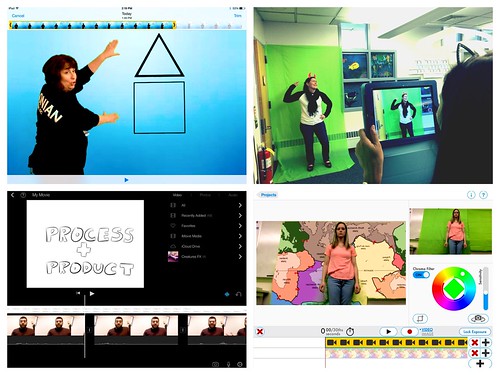
Students were to collaborate in small groups in creating a screen cast using the Explain Everything app. As a group, they were to demonstrate the different possible seating arrangements visually with actual images while recording their explanations. The newly redefined version of the assignment proved to be successful.


in Mrs. McClelland's 8th Social Studies Classroom

This year was different! The timing for our professional development iPad workshop with Greg Kulowiec of EdtechTeacher could not have been better. The workshop introduced the SAMR model and pushed our thinking to redefine a particular curriculum unit or lesson with technology to create new tasks that were previously inconceivable.
Poof! The redefinition of the Renaissance Feast was born!
Students were to collaborate in small groups in creating a screen cast using the Explain Everything app. As a group, they were to demonstrate the different possible seating arrangements visually with actual images while recording their explanations. The newly redefined version of the assignment proved to be successful.
Wait, there's more....
The rethinking of how students learned about the leading Renaissance figures did not begin or end here. In previous years, students read from the textbook and often confused the names of the individuals and facts. The Funny Face Maker app actually brought these figures to life! Students were more engaged to hear from 'a living museum' of characters.
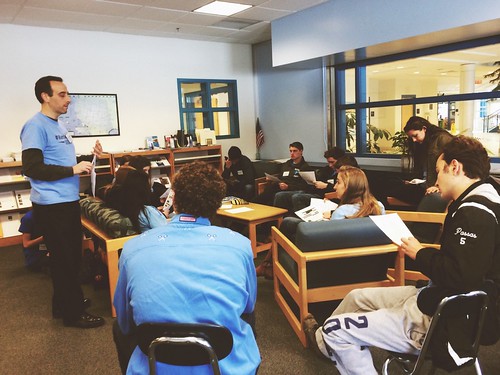
This process involved students working with partners to watch each movie clip and to take notes on a graphic organizer provided on paper.
At the end of their research, students choose a Renaissance figure to debate who was the most influential of that era. Students had the opportunity to create their own ' Living Figure' with the Funny Face Maker app to present the beginning of their argument.
No iPads needed... Learning activities are not designed solely to use the iPad. There are times when hands-on activities are best. The Renaissance lends itself perfectly for that. Of course, Mrs. McClelland incorporated a little artistic experience into the unit to let students 'become Michelangelo" by painting the ceiling of the Sistine Chapel which of course, looked like this!


The iPad offered Mrs. McClelland ways to enhance and redefine curriculum that was not possible before. The results were students having success in accessing, learning and demonstrating their new knowledge of the Renaissance Era.


.png "flickr")


